
Sovereignty: Trust No Backup
In a previous blog, I wrote how I replaced HyperBackup with Borgmatic. The reason was that my backups got corrupted and there was no way that I could repair it. Recently I noticed that new backup failures appeared in my mailbox, complaining about data integrity. This is the type of message I don’t want to see when it comes to backups. It looked like my backups were haunted again, time to go back to the drawing table to find out why my backups got corrupted.
The Borgmatic flow
What I had set up before was the following. Based on a time schedule, Borgmatic backed up the sources to a local repository. The next step was that the local repository was copied using rclone to OVH S3 storage. Simple and robust.
Index corruption
The setup worked great until recently. Out of the blue, my Synology started to send me messages that scared the sh*t out of me.
[] Taakplanner heeft een geplande taak voltooid
DiskStation - Synology DiskStation
U
Taakplanner heeft een geplande taak voltooid.

Taak: borgmatic_backup_photos
Starttijd: Fri, 04 Sep 2026 02:00:01 +0200
Stoptijd: Fri, 04 Sep 2026 02:41:43 +0200
Huidige status: 1 (Onderbroken)
Standaard output/fout:
=== Backup: photos ===
Init repo if needed
→ Repo already exists, skipping init
Run backup
Data integrity error: Segment entry checksum mismatch [segment 334, offset 424844372]
Index object count mismatch.
committed index: 441356 objects
rebuilt index:   436702 objects
ID: 1535ab16dd52b816ee8fc11ceaddc7dfc4f3256a5d5c91be94ee50c0bbd643a5 rebuilt index: <not found>      committed index: (334, 67184590)
ID: 2cf43fd979744ae149b6b7ec567427ebbe2279a23f135307e507c3fedac24e14 rebuilt index: <not found>      committed index: (334, 93054431)

Finished full repository check, errors found.
Treating exit code 1 as an error, as per configuration
photos: Error running actions for repository
photos: Command 'borg check --glob-archives {hostname}-* --log-json /data/repos/photos' returned non-zero exit status 1.
/etc/borgmatic/configs/photos.yaml: Error running configuration
/etc/borgmatic/configs/photos.yaml: An error occurred

summary:
An error occurred
Error running actions for repository
...
ID: c8401ba392dd108f08ff7450fce276ab8853976357c15ddbfcabc4800ec4e42a rebuilt index: <not found>      committed index: (334, 214008673)
ID: 372d5c4c602ec37714fd1c40808526ee6e76c960473109b4ed96d177b9638959 rebuilt index: <not found>      committed index: (334, 292860355)
ID: 49b60b7c4a1e1da686bf06375fe3fb08291cd5c3f2b1b8c34f6b03fc7cd7519e rebuilt index: <not found>      committed index: (334, 424446843)
...
ID: 2cf43fd979744ae149b6b7ec567427ebbe2279a23f135307e507c3fedac24e14 rebuilt index: <not found>      committed index: (334, 93054431)
Finished full repository check, errors found.
Command 'borg check --glob-archives {hostname}-* --log-json /data/repos/photos' returned non-zero exit status 1.
Error running configuration

Need some help? https://torsion.org/borgmatic/#issues
The message indicated that the local repository was corrupted. It had nothing to do with the source files. Something was plaguing Borgmatic. But what?
The Synology uses a BTRFS filesystem. For the shared volume I explicitly turned on the option “Enable data checksum for advanced data integrity”. Normally this practice is to be recommended. It may slow down the disk operations a bit, but it prevents bit rot from happening.
And enabling this specific option is what corrupted the indexes of the Borgmatic repositories.
Why data checksumming broke Borg
BTRFS checksumming assumes that a file is written once and only read after that. Borg’s repository segments do not work like this, compaction and pruning rewrite blocks in place, which forces BTRFS to recalculate the checksums again. Combine that with a NAS that is also busy with snapshot replication and background scrubbing, and a race condition appears: a checksum update that is not yet finished gets marked as a mismatch on the next scrub. My data was not corrupted at all; the checksum bookkeeping simply got out of sync with the way Borg writes its data.
I love simple solutions
The solution turned out to be simple. Just create a new shared folder on the Synology, this time with the option “Enable data checksum for advanced data integrity” turned off. No more corrupted checksums.
By solving the data corruption, I decided to overhaul my backup and recovery strategy. Where I trusted my backups before, from now on I treat them like they are radioactive.
Revamping backup and restore
The new setup separates the daily backup flow from the disaster restore flow. Backups run unattended on a schedule. Restore is a deliberate, scripted action that only runs when I actually need it, using a self-contained disaster-recovery package that lives on a separate machine (Calculon) and never touches the Synology unless it has to.
Daily backup
I set up the following strategy for backup:
- Make a daily backup using Borgmatic
- Use rclone to copy the archive to OVH S3 storage
- write the backup output messages to a rotating log file
- send a notification (NTFY) with the status
backup.sh initializes the repo on first run, then backs up and syncs to S3:
docker exec borgmatic bash -c '
REPO="/data/repos/'"$REPO_NAME"'"
if [ ! -f "$REPO/config" ]; then
  borg init --encryption=repokey $REPO
  borg key export $REPO /etc/borgmatic/'"$REPO_NAME"'-key
fi
'

docker exec borgmatic borgmatic -c "$CONFIG"

docker exec rclone rclone sync "$REPO_PATH" "$S3_TARGET" \
  --fast-list --transfers 2 --checkers 2 --s3-chunk-size 16M

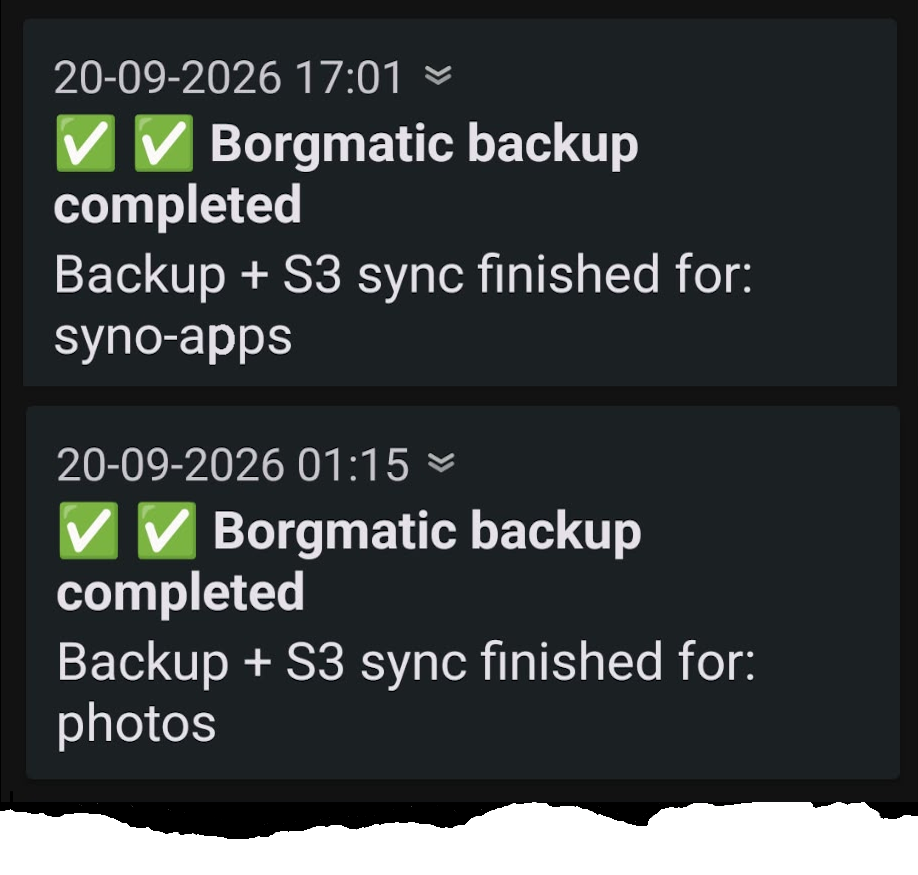
notify "✅ Borgmatic backup completed" "Backup + S3 sync finished for: $*" low white_check_mark
Weekly backup validation
I set up the following strategy for backup validation:
- Once a week, retrieve the archive from S3, pick 3 random files from the source and compare these with their counterparts in the archive
- write the retrieve output to a rotating log file
- send a notification (NTFY) with the restore status
test-backup.sh downloads the repo, checks it, and diffs a random sample against the live source:
docker exec rclone rclone copy "$S3_TARGET" "$RESTORE_REPO" \
  --fast-list --transfers 2 --checkers 2

docker exec borgmatic borg check --repository-only "$RESTORE_REPO"

LATEST_ARCHIVE=$(docker exec borgmatic borg list --short --last 1 "$RESTORE_REPO" | tail -n 1)

# pick N random regular files from the archive that still exist on the source
mapfile -t ARCHIVE_FILES < <(docker exec borgmatic borg list \
  --format '{type}{TAB}{path}{NL}' "${RESTORE_REPO}::${LATEST_ARCHIVE}" \
  | awk -F '\t' '$1 == "-" { print $2 }' | shuf)

docker exec borgmatic borg extract "${RESTORE_REPO}::${LATEST_ARCHIVE}" "${SELECTED_FILES[@]}"
# ...then checksums of extracted files are compared to /volume1 counterparts
Automated disaster recovery
Finally I added a new workflow that creates a fully automated restore package on the Calculon server when something changes in the backup and restore configuration (only accessible for the root user). Even after a complete meltdown of the Synology, I’m still able to access the backed-up data.
The Gitea workflow drops the restore scripts and a fresh restore.env (built from secrets) onto Calculon:
- name: Deploy disaster-recovery package
  run: |
    rsync -a disaster-restore/ root@calculon:/srv/docker/stacks/disaster-recovery/
    ssh root@calculon "chmod 600 /srv/docker/stacks/disaster-recovery/restore.env"
Each restore-<repo>.sh is a thin wrapper around the shared restore logic:
# restore-photos.sh
exec bash "${SCRIPT_DIR}/restore-common.sh" photos restored_photos "$@"
restore-common.sh downloads the encrypted repo, verifies the archive, and extracts it:
docker run --rm -v "${WORK_ROOT}:/work" "$RCLONE_IMAGE" \
  --config /work/rclone.conf copy "s3:${S3_BUCKET}/${REPO_NAME}" /work/repository \
  --fast-list --transfers 2 --checkers 2

borg check --archives-only "/work/repository::${ARCHIVE_NAME}"

docker run --rm --entrypoint borg \
  -e BORG_PASSPHRASE="$BORG_PASSPHRASE" \
  -v "${WORK_ROOT}:/work" -v "${DESTINATION}:/restore" -w /restore \
  "$BORG_IMAGE" extract --list --strip-components 1 "/work/repository::${ARCHIVE_NAME}"
Boring is the goal
Turning off a single checkbox fixed the corruption, but the real fix was treating backups as something that can lie to you. Weekly validation catches silent rot and gives you peace of mind. The disaster-recovery package on Calculon means that a dead Synology is a major headache, not a catastrophe: you still don’t lose your data.
I’ve been running this setup for a couple of weeks now. Until now, the NTFY messages have all been green checkmarks.
Fingers crossed it stays that way.